How to Cancel Adobe
The quick way
Let Subtract do the clicking in Chrome. It goes past the offers and stops at Confirm cancellation.

Cancel with SubtractFree Chrome extension
- Full refund within 14 days (most plans)
- Annual, paid monthly: fee may apply after 14 days
- Each plan cancelled separately
Do it yourself: cancel Adobe online
Bought it through Apple, Google or Microsoft? Cancel with them instead. Open Adobe plans →
Sign in and open Plans and payment. At account.adobe.com, select Manage plan for the plan to cancel.
Select Cancel your plan. Check the plan details and select Continue to cancel.
Give a reason and continue. Select Continue. Keep going past any offers.
Select Confirm cancellation. Check any fee first. Adobe emails a confirmation.
The fee and refunds
- Within 14 days of your first purchase: a full refund on most plans.
- Annual plan, paid monthly, after 14 days: an early termination fee may apply. The cancel screen shows it.
- Refunds usually take 3 to 10 business days.
A charge after cancelling is usually the last one for the current billing period.
A few things to keep in mind
- Paid apps work until the period ends. You can reactivate until then. Your account stays, as a free membership.
Common questions
Is there a fee to cancel Adobe?
Within 14 days of your first purchase, most plans get a full refund. After that, an annual plan paid monthly can carry an early termination fee.
Why can't I cancel my Adobe plan?
Adobe blocks it while a payment is processing or has a problem. Wait 24 hours and try again.
Not sure what else you're paying for?
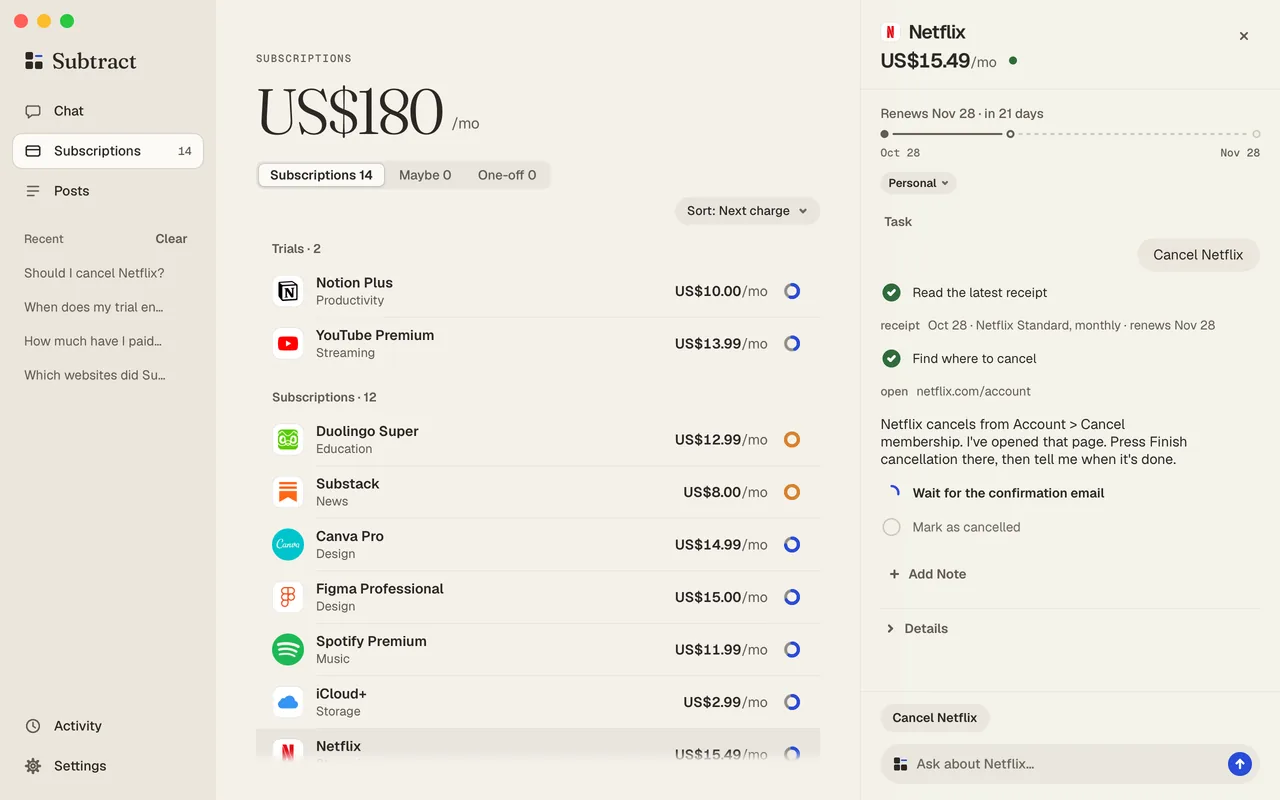
Subtract is a Mac app that finds every subscription in your mail receipts and helps you cancel them, with the AI and your data staying on your Mac.
Sources: Adobe Help Center ("Cancel your Adobe trial or subscription", "Common billing questions"), read November 25, 2026. If Adobe has changed a step since, their page is right. Subtract is not affiliated with Adobe.