How to Cancel Planet Fitness
The quick way
Let Subtract do the clicking in Chrome. It finds the cancel option and stops at the last button.

Cancel with SubtractFree Chrome extension
- Cancel 7+ days before billing
- No fee on No Commitment
- $58 buyout on a minimum term
- Annual fee: cancel 7 days before it
Do it yourself: cancel Planet Fitness online
Three ways: online, at your home club, or by letter to your home club. Some rules vary by club and state. Open Planet Fitness →
Sign in to your account on planetfitness.com. Use the email on your membership.
Find the cancel option for your membership. Billing dates are there and on your membership agreement.
Finish, and keep the confirmation. Keep it until the charges stop. No cancel option online? Cancel at your home club or by letter.
Cancel at your club or by mail
- In person: ask the front desk at your home club.
- By mail: write to your home club. Send it early enough to arrive 7 days before your billing date.
A few things to keep in mind
- Deleting the PF App cancels nothing.
Common questions
Can I cancel Planet Fitness online?
Yes, in the member portal on planetfitness.com, or at your home club or by letter.
How much does it cost to cancel Planet Fitness?
Nothing on No Commitment. Ending a minimum term early costs a $58 buyout fee.
How far ahead do I have to cancel?
At least 7 days before your next billing date, or that charge goes through. Same for the annual fee: 7 days before its date.
Not sure what else you're paying for?
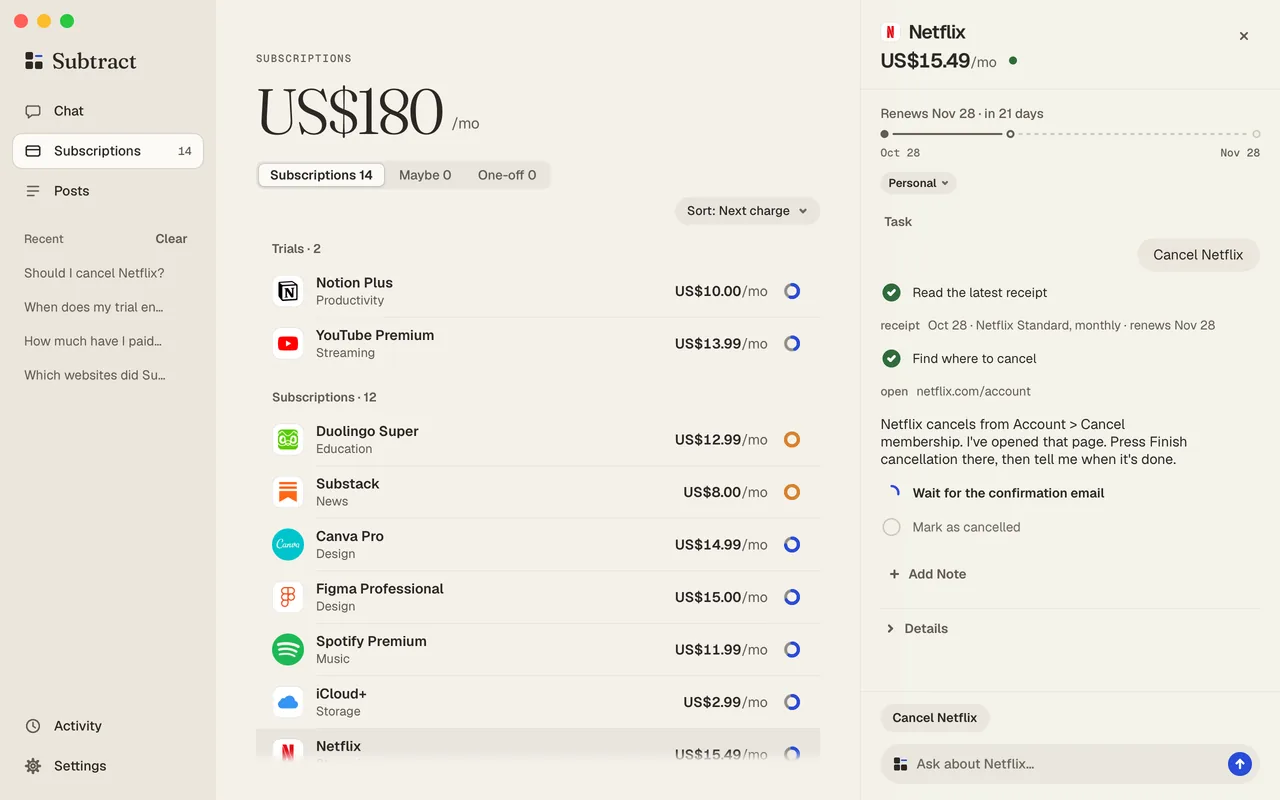
Subtract is a Mac app that finds every subscription in your mail receipts and helps you cancel them, with the AI and your data staying on your Mac.
Sources: Planet Fitness Customer Service and FAQ (planetfitness.com), read November 25, 2026. If Planet Fitness has changed a step since, their page is right. Subtract is not affiliated with Planet Fitness.