How to Cancel Spotify
The quick way
Let Subtract do the clicking in Chrome. It declines the offers and stops at the last button.

Cancel with SubtractFree Chrome extension
- Free to cancel
- Premium until your billing date
- Playlists stay
Do it yourself: cancel Spotify online
Cancel in a web browser. Open Spotify account →
Open your account page and go to Manage your plan. Sign in at spotify.com/account.
Select Cancel subscription. Continue past any offer to the confirmation message.
Check the change date. Your account page shows when you switch to Spotify Free. No date means it isn't cancelled yet.
No cancel option?
A partner, like a phone or internet provider, bills you. Their contact link is under Manage your plan › Payment.
Family and Duo plans
Only the plan manager can cancel, and every member loses Premium from the next payment date. A member doing this only leaves the plan.
A few things to keep in mind
- On a $0 trial? Cancelling switches you to Free at once, and the trial can't be restarted.
- Legacy plans can't be restarted once cancelled.
- Still charged? Check for a second account, or a partner billing you.
Common questions
When does Premium stop after I cancel?
On your next billing date. Then the account switches to Spotify Free.
Do I lose my playlists?
No. Playlists and saved music stay. The free plan plays with ads.
Not sure what else you're paying for?
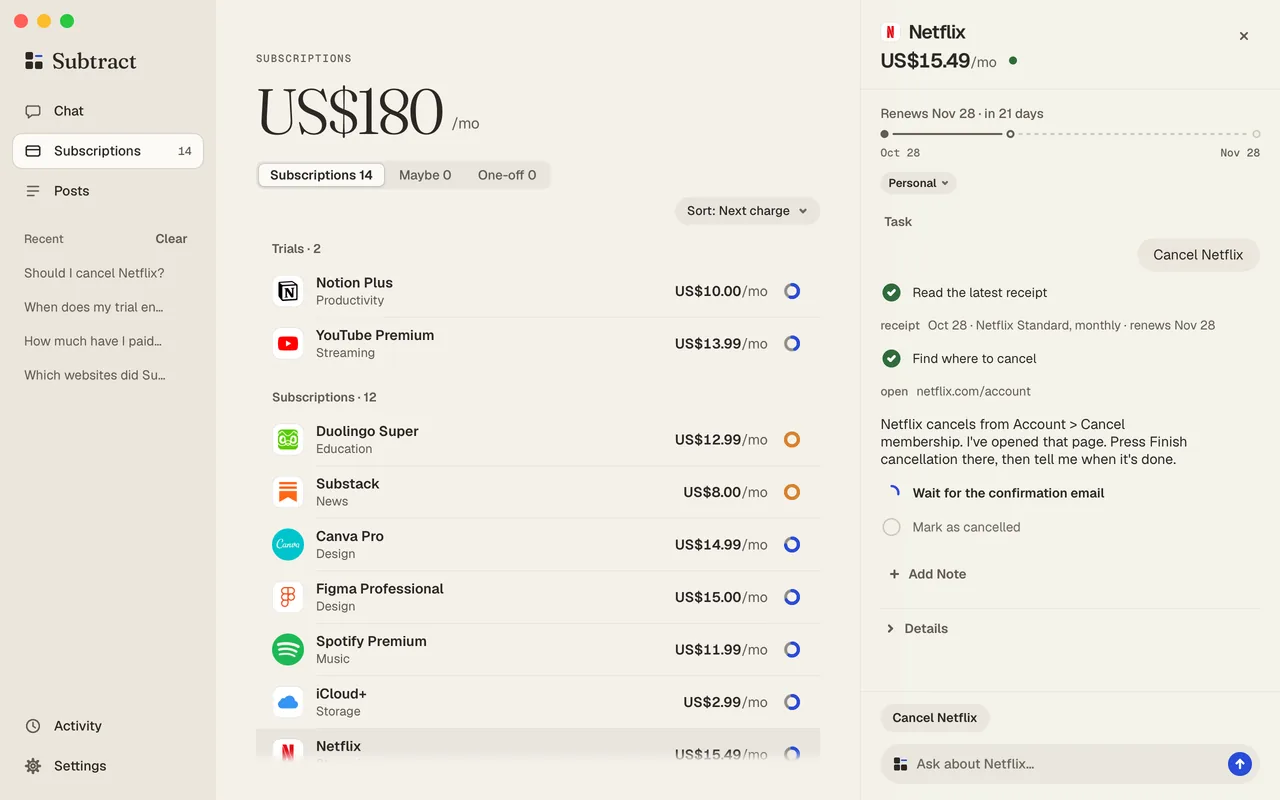
Subtract is a Mac app that finds every subscription in your mail receipts and helps you cancel them, with the AI and your data staying on your Mac.
Sources: Spotify Support ("How to cancel Premium plans"), read November 25, 2026. If Spotify has changed a step since, their page is right. Subtract is not affiliated with Spotify.