How to Cancel Audible
The quick way
Let Subtract do the clicking in Chrome. It goes past the offers and stops at Confirm cancellation.

Cancel with SubtractFree Chrome extension
- Use credits first
- Books you bought stay
- No refund of fees paid
Do it yourself: cancel Audible online
On audible.com, signed in. Billed by Apple or Google? See below. Open Audible account →
Select your name, then Membership details. Your name is in the top navigation (on mobile web, in the main menu).
Select Cancel membership. Audible may offer a pause or a discount first.
Select Confirm cancellation. Audible emails a confirmation, and Membership details shows the change.
Before you cancel: your credits
Unused credits, member discounts and the Plus Catalog end with your last billing cycle. Spend credits first, or pause: up to 3 times in 12 months, 90 days in total.
Credits from an App Store or Google Play membership don't expire.
Billed by Apple?
If you subscribed in the Audible app on an iPhone or iPad, Apple bills you, so you cancel with Apple:
- Open Settings and tap your name.
- Tap Subscriptions, then Audible.
- Tap Cancel Subscription and confirm.
Billed by Google Play?
- Open the Google Play Store, signed in with the Google account that paid.
- Tap your profile picture, then Payments & subscriptions › Subscriptions.
- Tap Audible, then Cancel subscription.
A few things to keep in mind
- Deleting the Audible app cancels nothing.
- No cancel link? You may be signed in to a different account than the one with the membership.
Common questions
Do I keep my Audible books after cancelling?
Yes. Titles bought with credits or a card stay in your library.
What happens to my unused credits?
They're lost when your last billing cycle ends, unless they came from an App Store or Google Play membership.
Not sure what else you're paying for?
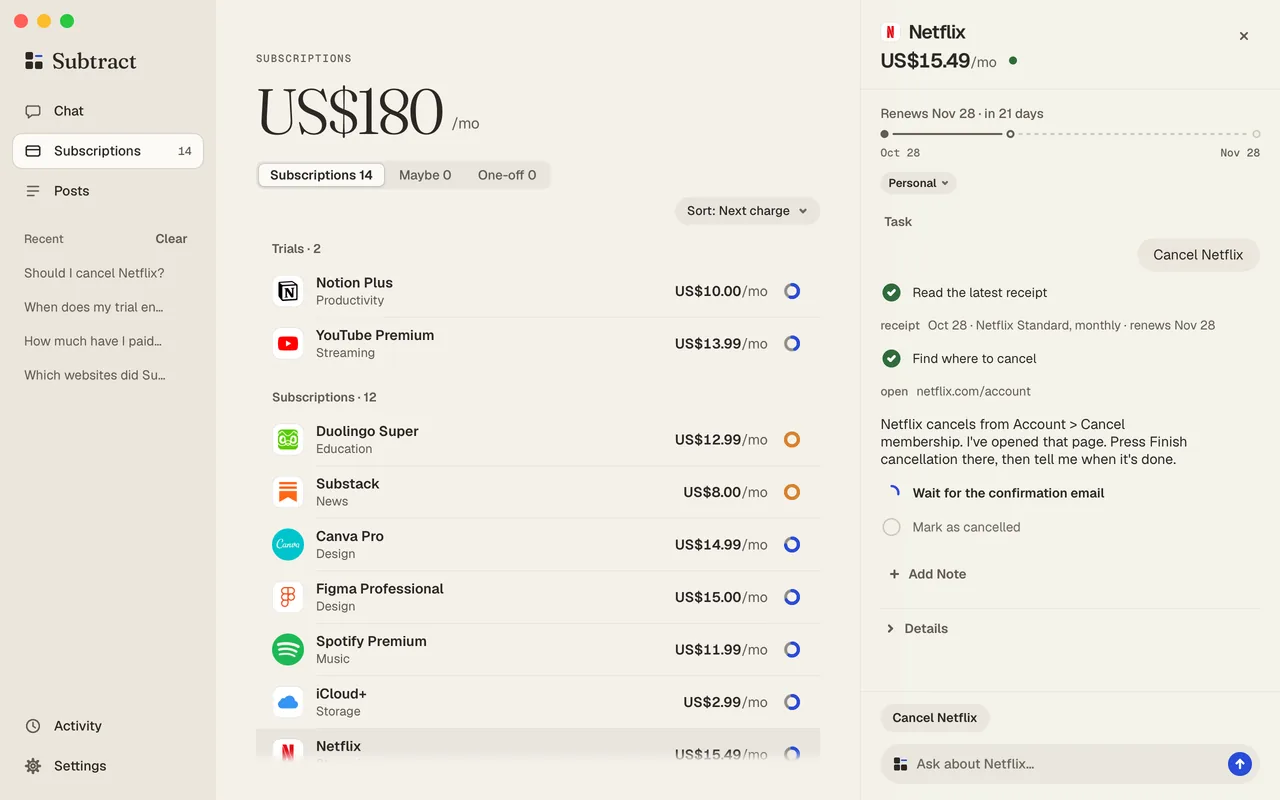
Subtract is a Mac app that finds every subscription in your mail receipts and helps you cancel them, with the AI and your data staying on your Mac.
Sources: Audible Help ("Cancel membership", "Before you cancel your Audible membership", "Pause your membership"), read November 25, 2026. If Audible has changed a step since, their page is right. Subtract is not affiliated with Audible.