How to Cancel Disney+
The quick way
Let Subtract do the clicking in Chrome. It says no to the pause and stops at the last Cancel Subscription.

Cancel with SubtractFree Chrome extension
- Free to cancel
- Watch until the term ends
- Bundles cancel separately
Do it yourself: cancel Disney+ online
For a subscription Disney+ bills you for, in a computer or mobile browser. Open Disney+ account →
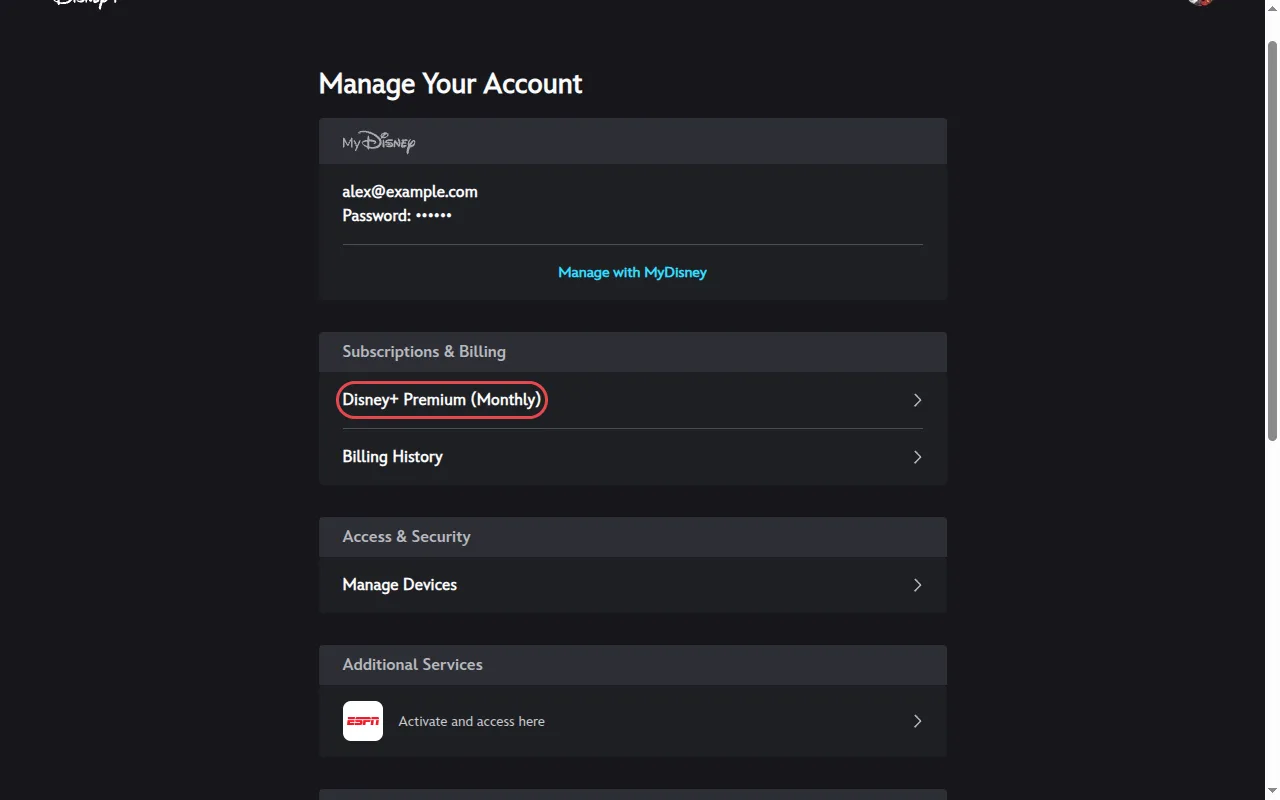
Open Account and select your subscription. On DisneyPlus.com: Profile, Account, then your plan under Subscriptions & Billing.
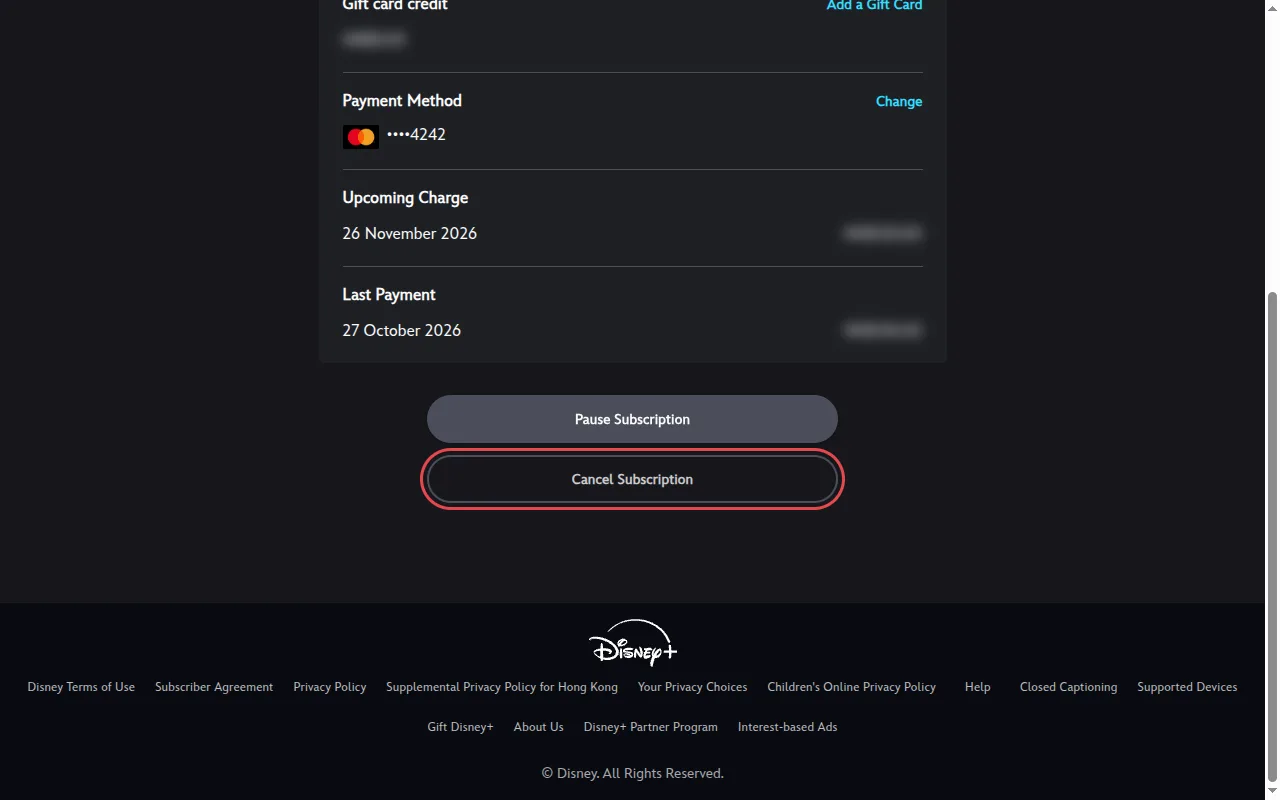
Select Cancel Subscription. It's below Pause Subscription.
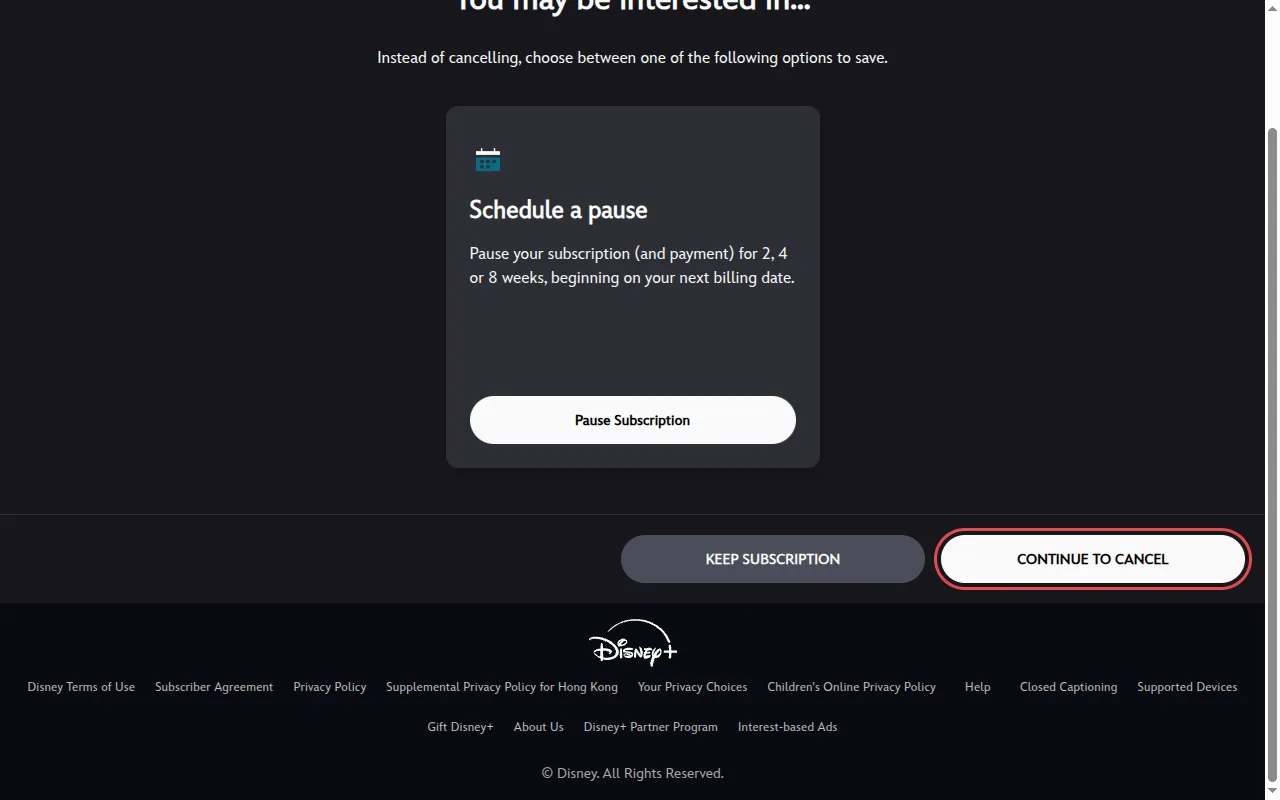
Say no to the pause: Continue to Cancel. Disney+ offers a 2, 4 or 8 week pause first.
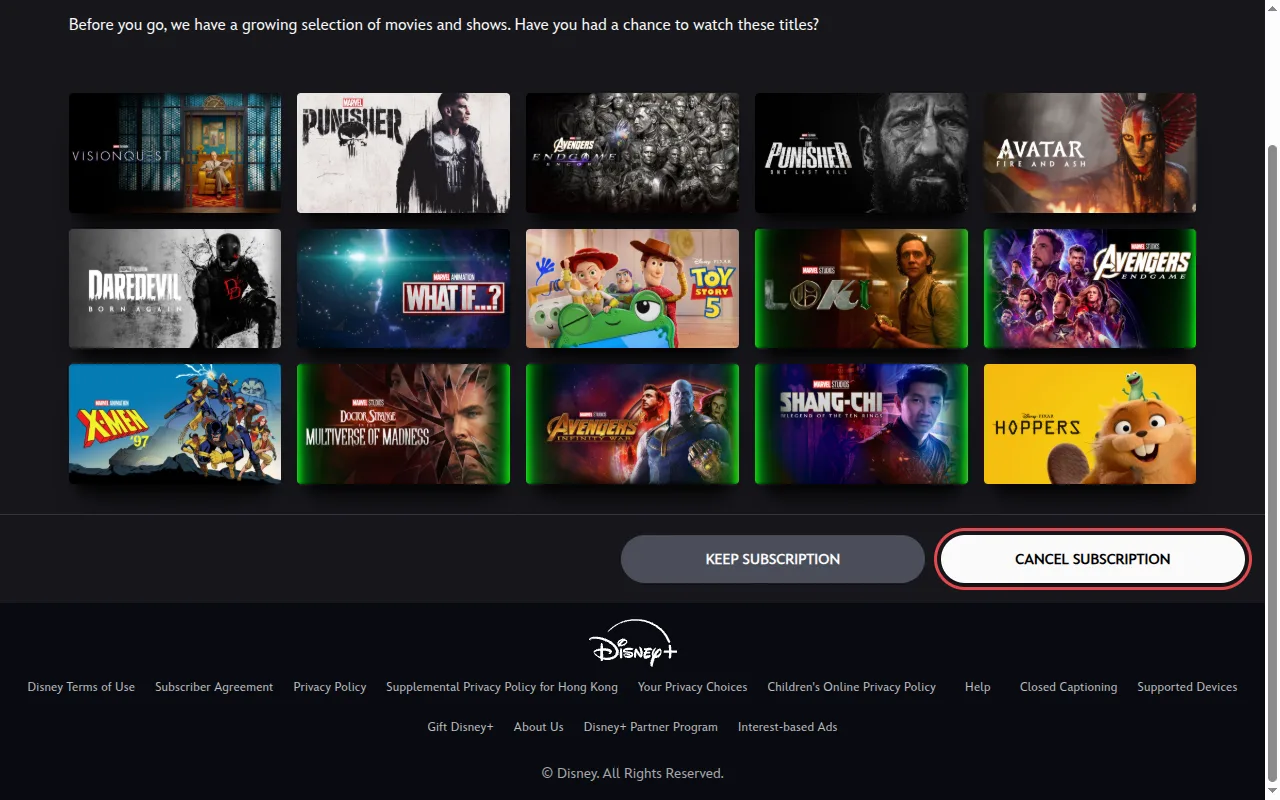
Select Cancel Subscription to finish. It's after a page of recommendations. You keep Disney+ until your term ends.
Billed by someone else?
Signed up through an app store or a phone or TV provider? Cancel with them. A Hulu or bundle plan billed by Hulu can be managed in Hulu.
Bundles
A Hulu, ESPN or HBO Max plan you had before the bundle keeps billing at its own price until you cancel it too.
A few things to keep in mind
- Cancelling doesn't delete your Disney+ or MyDisney account.
Common questions
When does Disney+ stop?
At the end of your current term, whether monthly, annual or promotional.
Does cancelling Disney+ cancel Hulu in my bundle?
Cancelling the bundle ends the bundle. A Hulu, ESPN or other subscription you had before it continues until you cancel it too.
Not sure what else you're paying for?
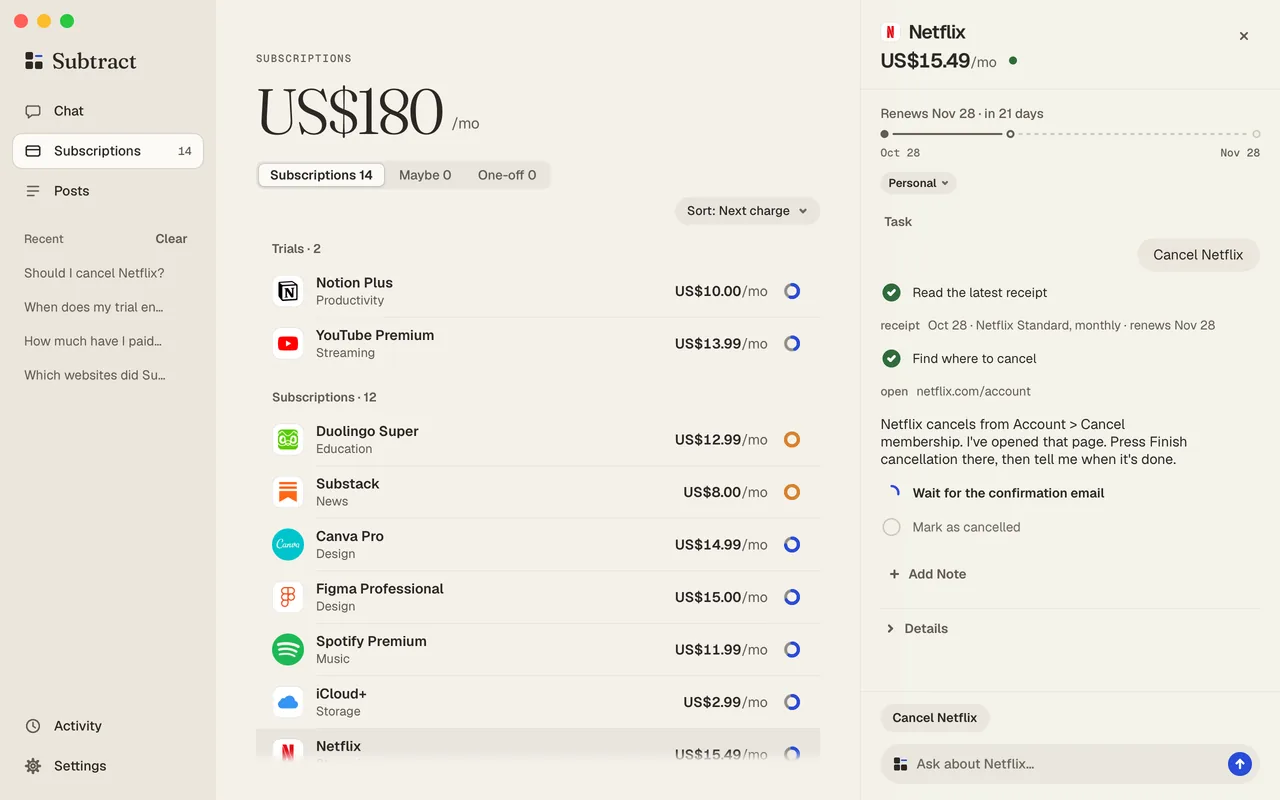
Subtract is a Mac app that finds every subscription in your mail receipts and helps you cancel them, with the AI and your data staying on your Mac.
Sources: Disney+ Help Center ("How to cancel Disney+"), read November 25, 2026. Screenshots taken November 25, 2026 in Chrome on a real Disney+ Premium account (billed outside the US, so prices are blurred; the steps match Disney+'s US help page). Personal details are replaced with sample ones; the final Cancel Subscription was never pressed. If Disney has changed a step since, their page is right. Subtract is not affiliated with Disney.