How to Cancel HBO Max
The quick way
Let Subtract do the clicking in Chrome. It declines the offers and stops at the last button.
Cancel with SubtractFree Chrome extension
- Cancel before billing
- Watch until it expires
- Adult profiles only
Do it yourself: cancel HBO Max online
The top of the Subscription page says who bills you. These steps are for HBO Max billing. Open HBO Max subscription →
Go to HBOMax.com/subscription. Sign in with an Adult profile. In the app: your profile, then Subscription.
Select Cancel Your Subscription. Not there? Cancel with whoever bills you (see below).
Confirm and note the date. You can stream until your expiration date.
Billed by someone else?
- Apple: Settings › your name › Subscriptions › HBO Max › Cancel Subscription.
- Google Play: Play Store › profile › Payments & subscriptions › Subscriptions › HBO Max › Cancel subscription.
- Amazon: amazon.com/appstoresubscriptions › HBO Max › turn off auto-renewal. Prime Video Channels: Your Channels › Cancel Channel.
- Roku: my.roku.com/subscriptions › HBO Max › Manage subscription › turn off auto-renew.
- TV, internet or phone provider: cancel with the provider.
A few things to keep in mind
- Cancel before your next billing date (24 hours before, in some regions).
- Deleting the app cancels nothing.
- Extra Member add-on (US) ends with your plan; its remaining days are refunded, prorated.
Common questions
Can I watch after I cancel?
Yes, until your subscription expires at the end of the billing period.
Why can't I cancel HBO Max?
Only Adult profiles can manage subscriptions. If Apple, Google, Amazon, Roku or a provider bills you, cancel with them.
Not sure what else you're paying for?
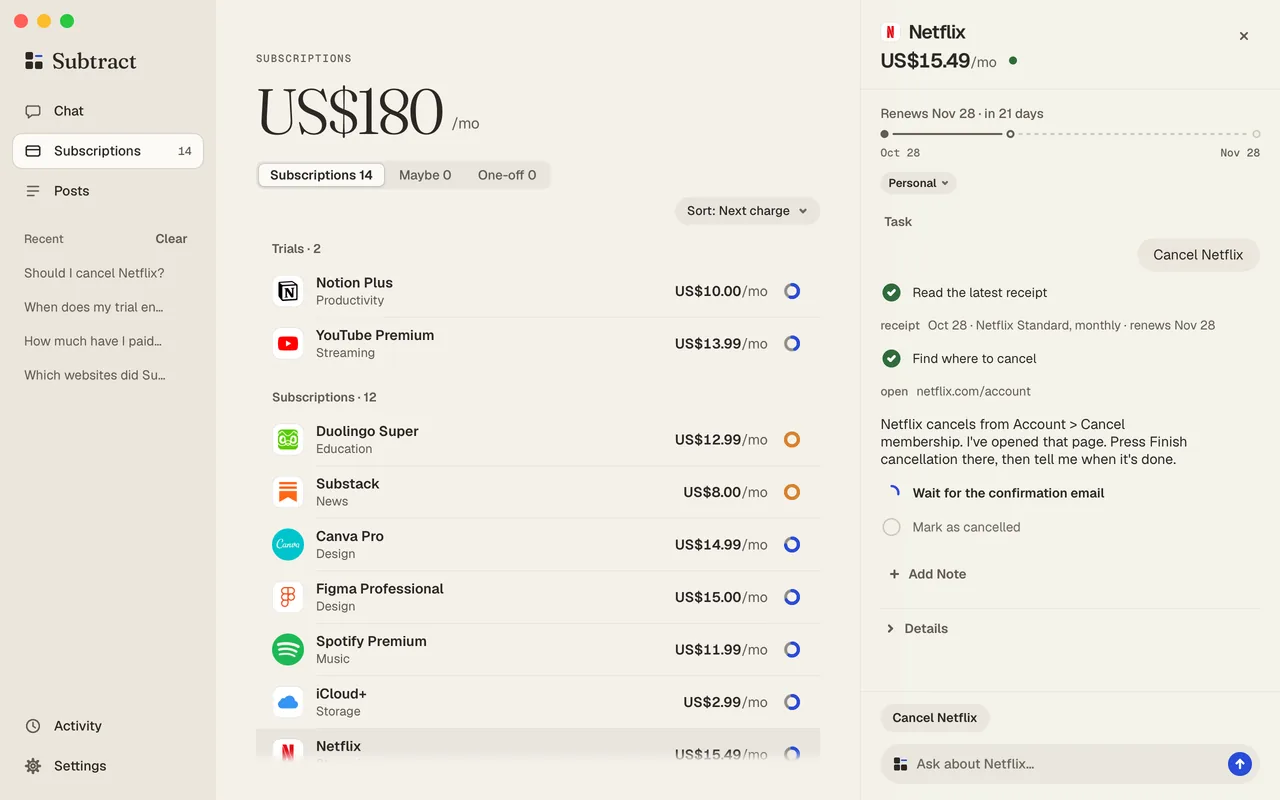
Subtract is a Mac app that finds every subscription in your mail receipts and helps you cancel them, with the AI and your data staying on your Mac.
Sources: HBO Max Help ("How do I cancel my subscription?"), read November 25, 2026. If Warner Bros. Discovery has changed a step since, their page is right. Subtract is not affiliated with Warner Bros. Discovery.