How to Cancel Hulu
The quick way
Let Subtract do the clicking in Chrome. It skips the pause offer and stops at Cancel Subscription.

Cancel with SubtractFree Chrome extension
- Free to cancel
- Watch until the cycle ends
- Live TV trials end at once
Do it yourself: cancel Hulu online
For a subscription Hulu bills you for. Open Hulu account →
Open your Account page. Sign in at hulu.com, in a computer or mobile browser.
Select Cancel under Your Subscription. Only want fewer add-ons? Change your plan here instead.
Select Continue to Cancel. Skip the offer to pause.
Select Cancel Subscription. Your Account page then reads "Your subscription will be canceled". Hulu emails a confirmation.
Billed by someone else?
Amazon, Apple, Comcast Xfinity, Disney+, Google, HBO Max, Roku, Spotify, T-Mobile, Verizon or another partner? Cancel with them. Payment Information on your Hulu Account page shows who bills you.
Bundles
Bought through Disney+? Manage it in Disney+. Through HBO Max? In HBO Max. Had Hulu before the bundle? Cancelling one doesn't cancel the other.
A few things to keep in mind
- Cancelling doesn't delete your Hulu or Disney account.
Common questions
Do I lose Hulu right away?
No. You keep it until the billing cycle ends, free trials included. Hulu + Live TV free trials end at once.
Not sure what else you're paying for?
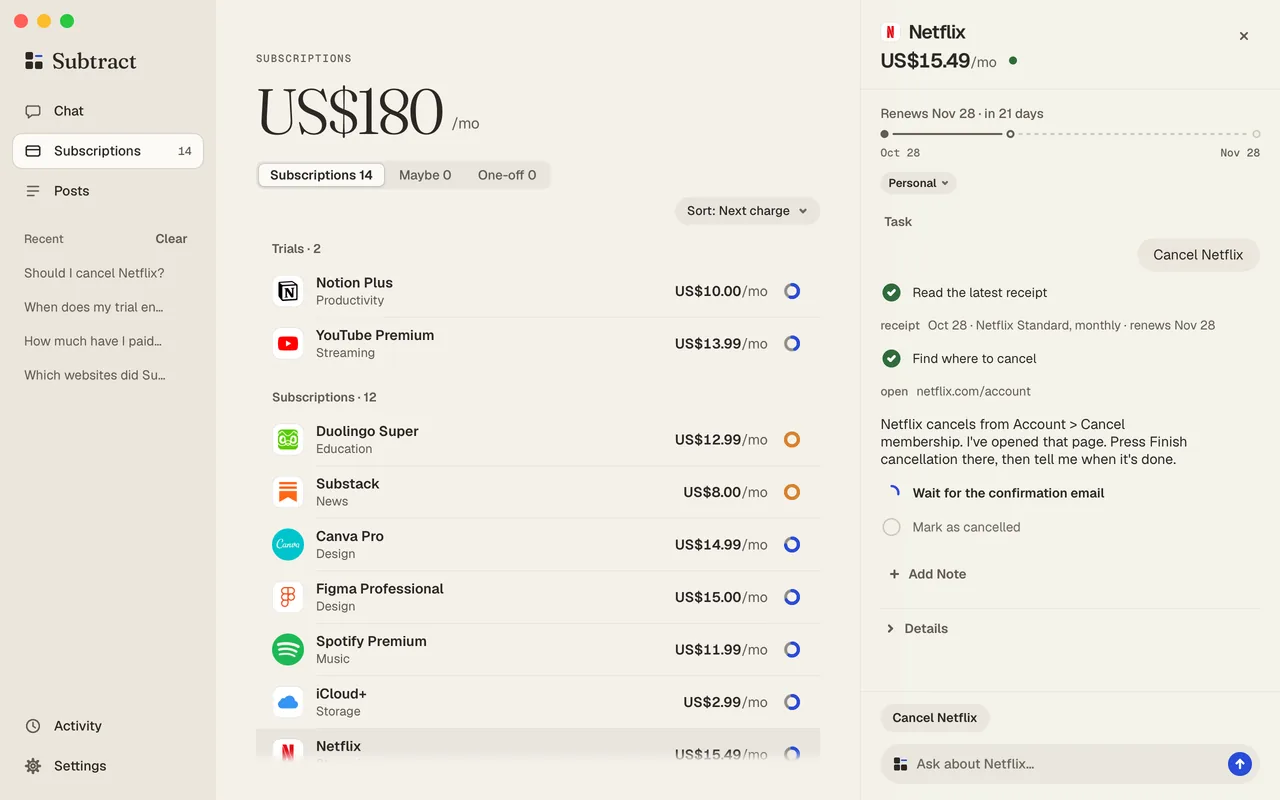
Subtract is a Mac app that finds every subscription in your mail receipts and helps you cancel them, with the AI and your data staying on your Mac.
Sources: Hulu Help Center ("How to cancel Hulu"), read November 25, 2026. If Hulu or Disney has changed a step since, their page is right. Subtract is not affiliated with Hulu or Disney.