How to Cancel Paramount+
The quick way
Let Subtract do the clicking in Chrome. It declines the offers and stops at the last button.

Cancel with SubtractFree Chrome extension
- Cancel where you signed up
- Watch until the period ends
- No refunds
Do it yourself: cancel Paramount+ online
For sign-ups on the website, Xbox, PS5 or LG TV. Other ways are below. Open Paramount+ account →
Open your Account page. On paramountplus.com, click your initials (top right), then Account.
Select Cancel Subscription. It's further down the page.
Follow the prompts. Go to the end. No Cancel Subscription? It's already cancelled and won't renew.
Signed up somewhere else?
- iPhone or iPad: Settings › your name › Subscriptions › Paramount+ › Cancel Subscription.
- Fire TV / Amazon: amazon.com/appstoresubscriptions › Actions next to Paramount+ › Turn Off Auto-Renewal.
- Google Play: Play Store › profile › Payments & subscriptions › Subscriptions › Paramount+ › Cancel subscription.
- Roku: my.roku.com › Manage Your Subscriptions, or on the device: highlight Paramount+, press *, Manage Subscription › Cancel Subscription.
A few things to keep in mind
- Deleting the app cancels nothing on any device.
Common questions
Do I lose Paramount+ right away?
No. You keep it until the billing period, or the free trial, ends. Paid fees aren't refunded.
I don't see Cancel Subscription. Why?
It's already cancelled and won't renew, or you signed up with another company.
Not sure what else you're paying for?
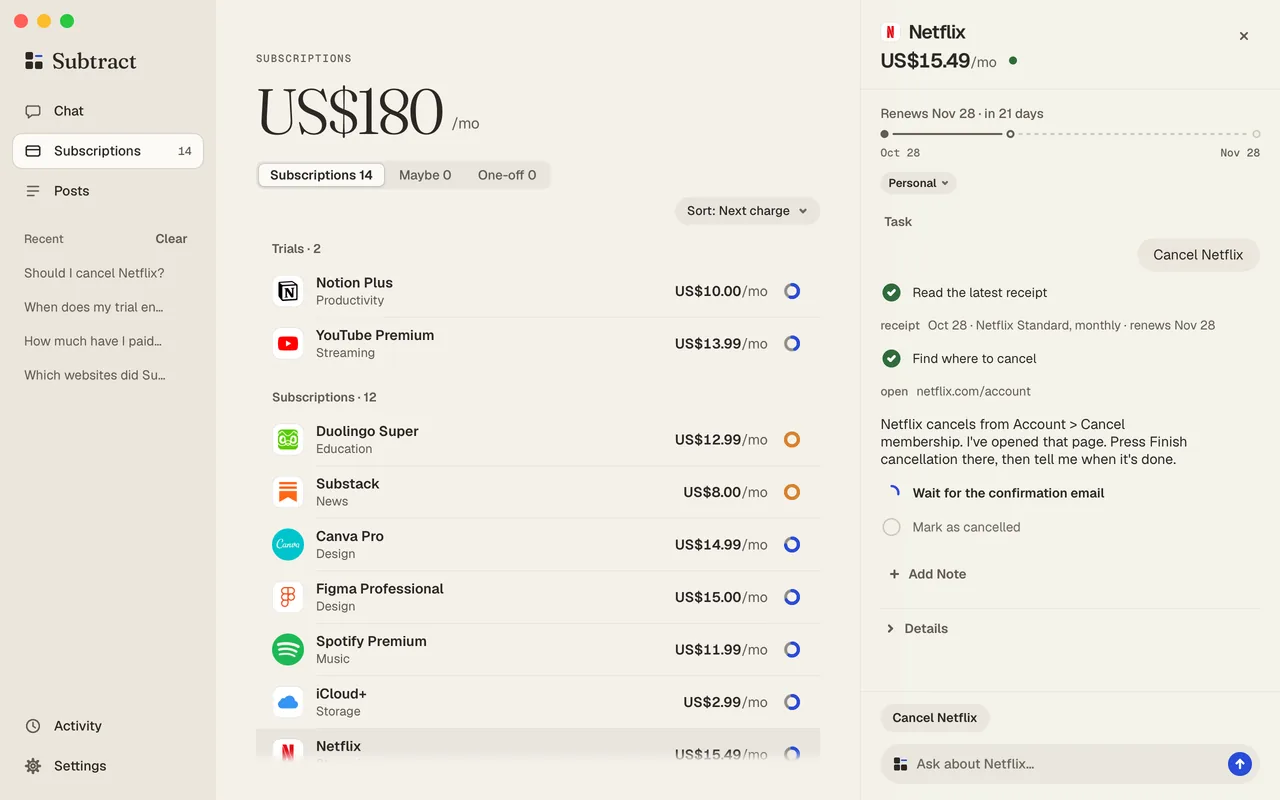
Subtract is a Mac app that finds every subscription in your mail receipts and helps you cancel them, with the AI and your data staying on your Mac.
Sources: Paramount+ Help ("How do I cancel my subscription?"), read November 25, 2026. If Paramount has changed a step since, their page is right. Subtract is not affiliated with Paramount.