How to Cancel Peacock
The quick way
Let Subtract do the clicking in Chrome. It declines the offers and stops at the last button.
Cancel with SubtractFree Chrome extension
- Cancel by the day before billing
- Watch until the term ends
- No refunds
Do it yourself: cancel Peacock online
For a plan Peacock bills you for directly. Open Peacock account →
Sign in and open Account › Subscriptions. Sign in at peacocktv.com.
Select Cancel All Subscriptions. This ends your plan (Select, Premium or Premium Plus) and any add-ons.
Follow the steps to confirm. Wait for the on-screen confirmation. The email can take hours.
No Cancel All Subscriptions option?
Someone else bills you (Apple, Google, Roku, Amazon or a TV provider); cancel with them. Payment Method on the Subscriptions tab shows who. Can't sign in? Cancel by chat at peacocktv.com/cancellation.
A few things to keep in mind
- On a free trial or promotion, access may end as soon as you cancel.
Common questions
When does Peacock stop charging me?
At the end of your current billing term. Cancel no later than the day before your next billing date.
Can I get a refund?
No. Peacock doesn't refund or credit past payments, unless the law requires it.
Not sure what else you're paying for?
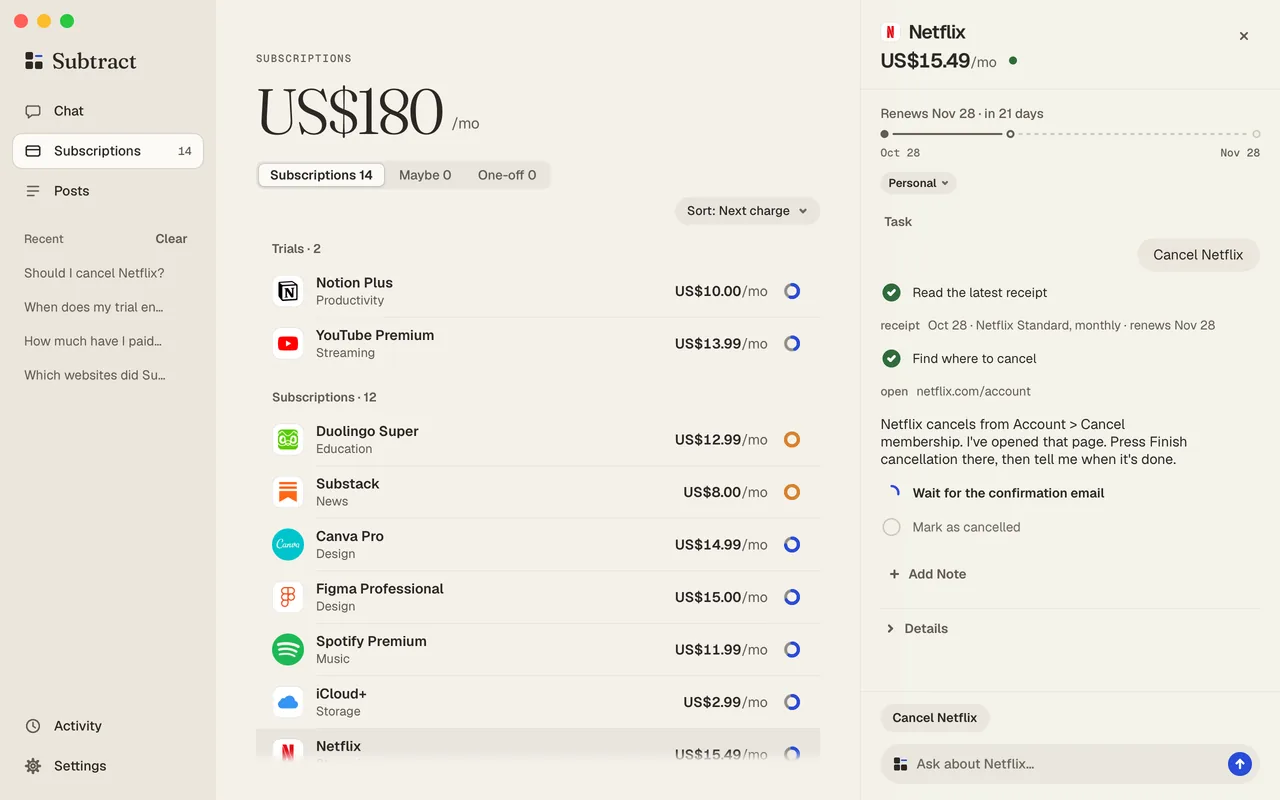
Subtract is a Mac app that finds every subscription in your mail receipts and helps you cancel them, with the AI and your data staying on your Mac.
Sources: Peacock Help ("How do I cancel my Peacock plan?"), read November 25, 2026. If Peacock or NBCUniversal has changed a step since, their page is right. Subtract is not affiliated with Peacock or NBCUniversal.