How to Cancel Fubo
The quick way
Let Subtract do the clicking in Chrome. It says no to the discount and stops at the last button.

Cancel with SubtractFree Chrome extension
- Watch until the period ends
- A trial ends at once
- No refunds
Do it yourself: cancel Fubo online
For a subscription you started on the Fubo website. Open Fubo subscription →
Sign in at fubo.tv and pick a profile. Any profile on the Who's Watching? screen works.
Open My Account › Subscription. Click the settings icon, then My Account, then Subscription.
Expand your plan and select Cancel. Click your plan. Cancel is at the bottom.
Select CANCEL SUBSCRIPTION. The discount screen before it hasn't cancelled anything yet. Wait for the confirmation page.
Signed up through Roku?
Roku bills you. Cancel at my.roku.com (Unsubscribe next to Fubo), or on the device: highlight Fubo, press * and choose Manage subscription. At fubo.tv/subscription, a Roku plan says "Roku Subscription".
A few things to keep in mind
- No second free trial. Cancel one and you won't get another.
- Email, mail and social media don't count. Only your account, support chat or phone.
Common questions
Do I lose Fubo right away?
A paid plan runs to the end of the billing period. A free trial ends at once.
Can I get a refund from Fubo?
No, unless the law requires it.
Not sure what else you're paying for?
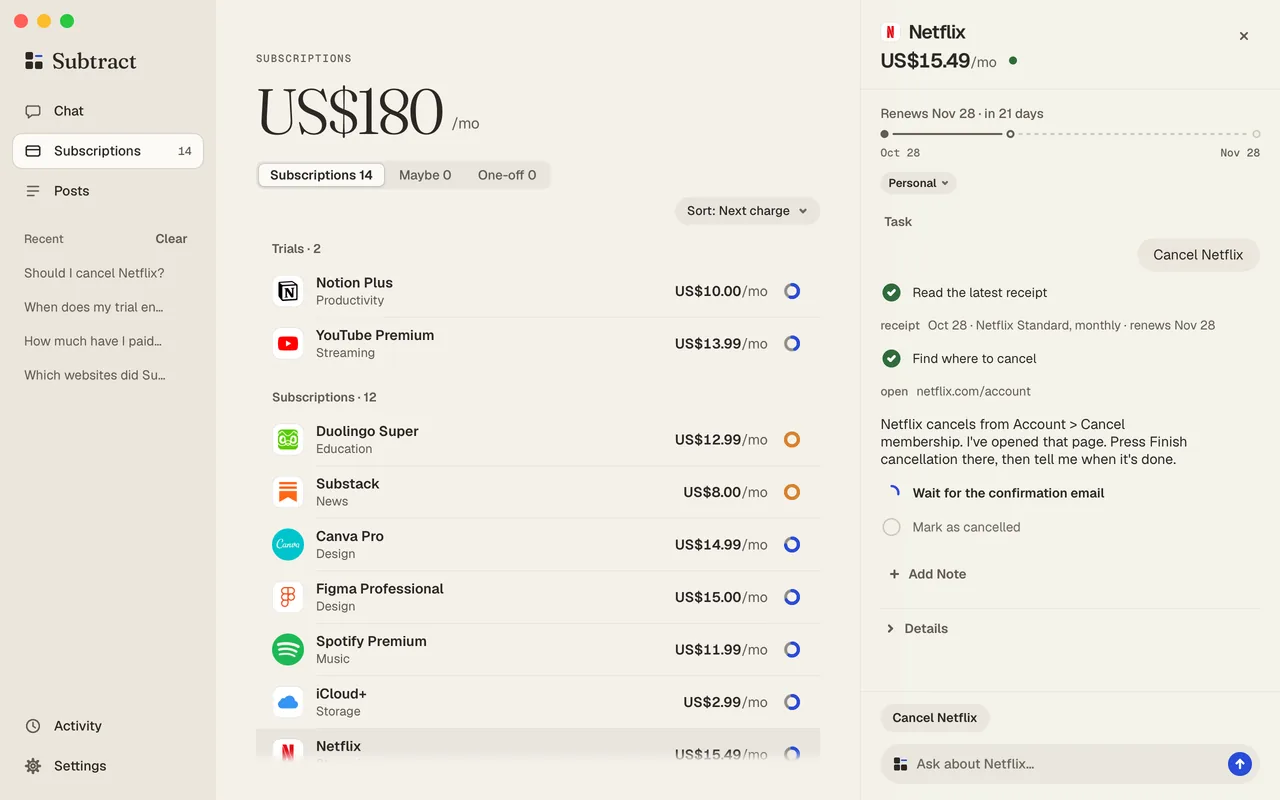
Subtract is a Mac app that finds every subscription in your mail receipts and helps you cancel them, with the AI and your data staying on your Mac.
Sources: Fubo Support ("How do I cancel my Fubo subscription?") and Fubo Terms of Service, read November 25, 2026. If Fubo has changed a step since, their page is right. Subtract is not affiliated with Fubo.